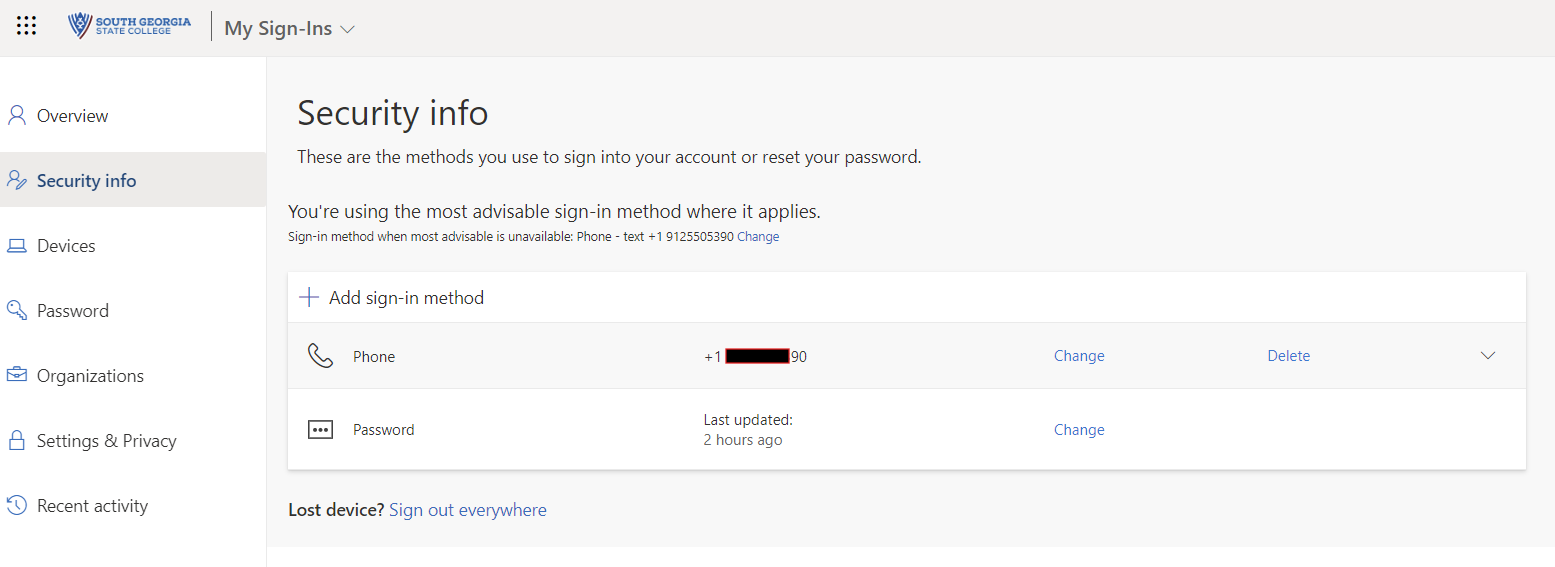
Adding or Updating Multifactor Authentication Methods
If you would like to set up additional authentication methods or change an existing method, follow these instructions.
- If you get a new phone or change your phone number and can no longer access your account, you will need to contact the IT department to have your MFA reset or number updated before you will be able to log in. If you know in advance that you will be getting a new phone, and if possible to do so, log in first and add an alternate MFA method so that you do not get locked out of your account.
Sign into account portal
Open a web browser and sign into https://myaccount.microsoft.com
From here, go to the Security Info section